PS5 disc not reading? What to check before you return it
A used disc that won't load is either the disc or your PS5. Here's how to tell in five minutes, Sony's own fixes in the right order, and how fast each store wants to hear about a faulty disc.
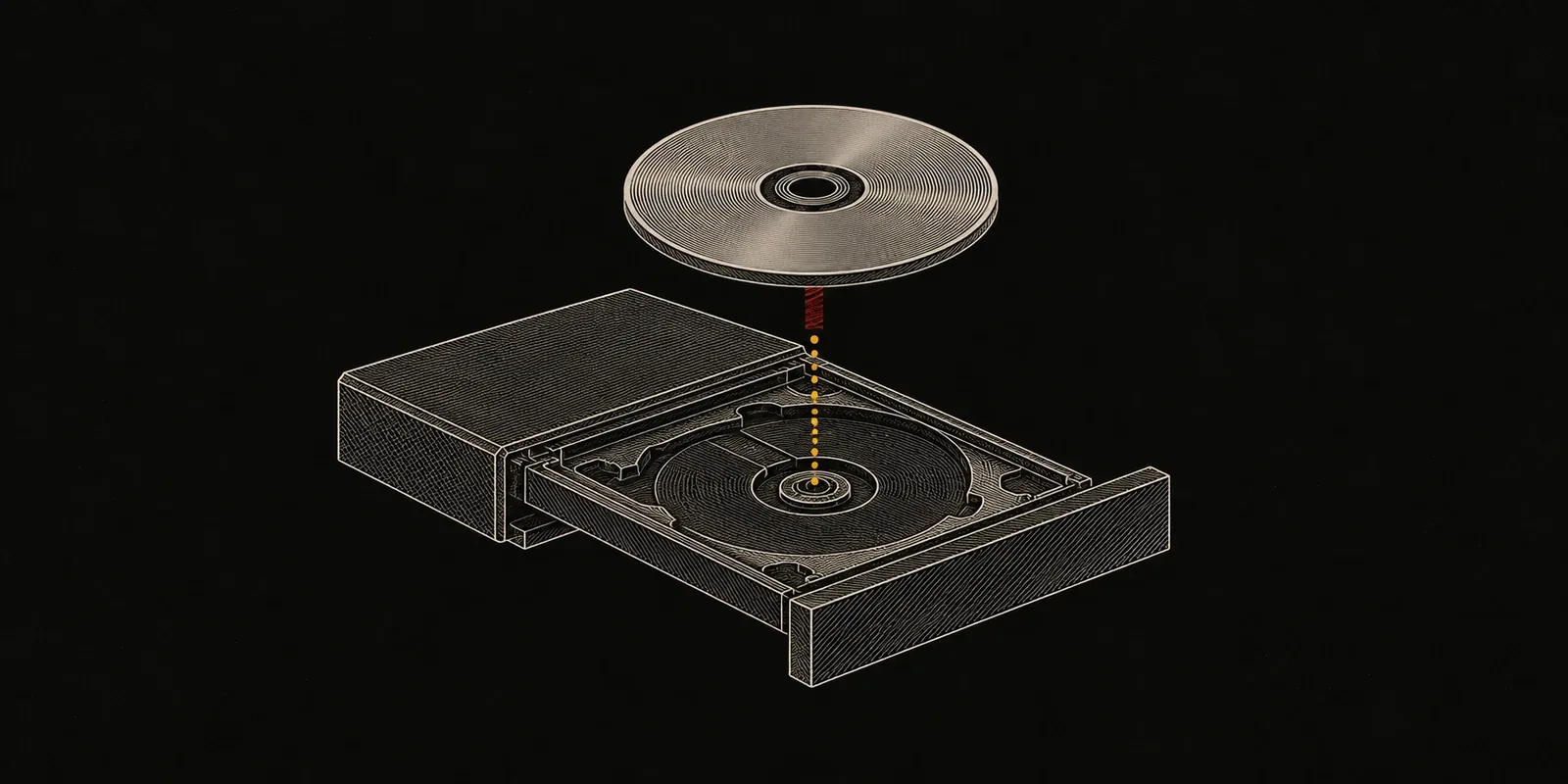
You've just opened a pre-owned PS5 disc, put it in, and nothing. An error code, or a game that never shows up on the home screen.
Before you message the store, work out whether it's the disc or your console, because that decides who fixes it. And the clock is already running: one store we track gives you a single working day from delivery to report a faulty disc.
Is it the disc or the PS5?
Sony's PlayStation Repairs tool settles this with one question: can your console read at least one disc?
Put in a game you know works, or a Blu-ray film or DVD. Not a burned disc or a music CD: Sony says the PS5 can't play either.
- Other discs play, this one doesn't. It's the disc. After a couple of checks, Sony's tool says the fault is in the disc and tells you to return it to the seller under their return policy.
- No disc plays at all. It's the console or its drive. Do the steps below, then go to the Sony section.
If you can, try it in a friend's PS5 too. A disc that fails on two consoles is hard to argue with.
Check the disc, then clean it properly
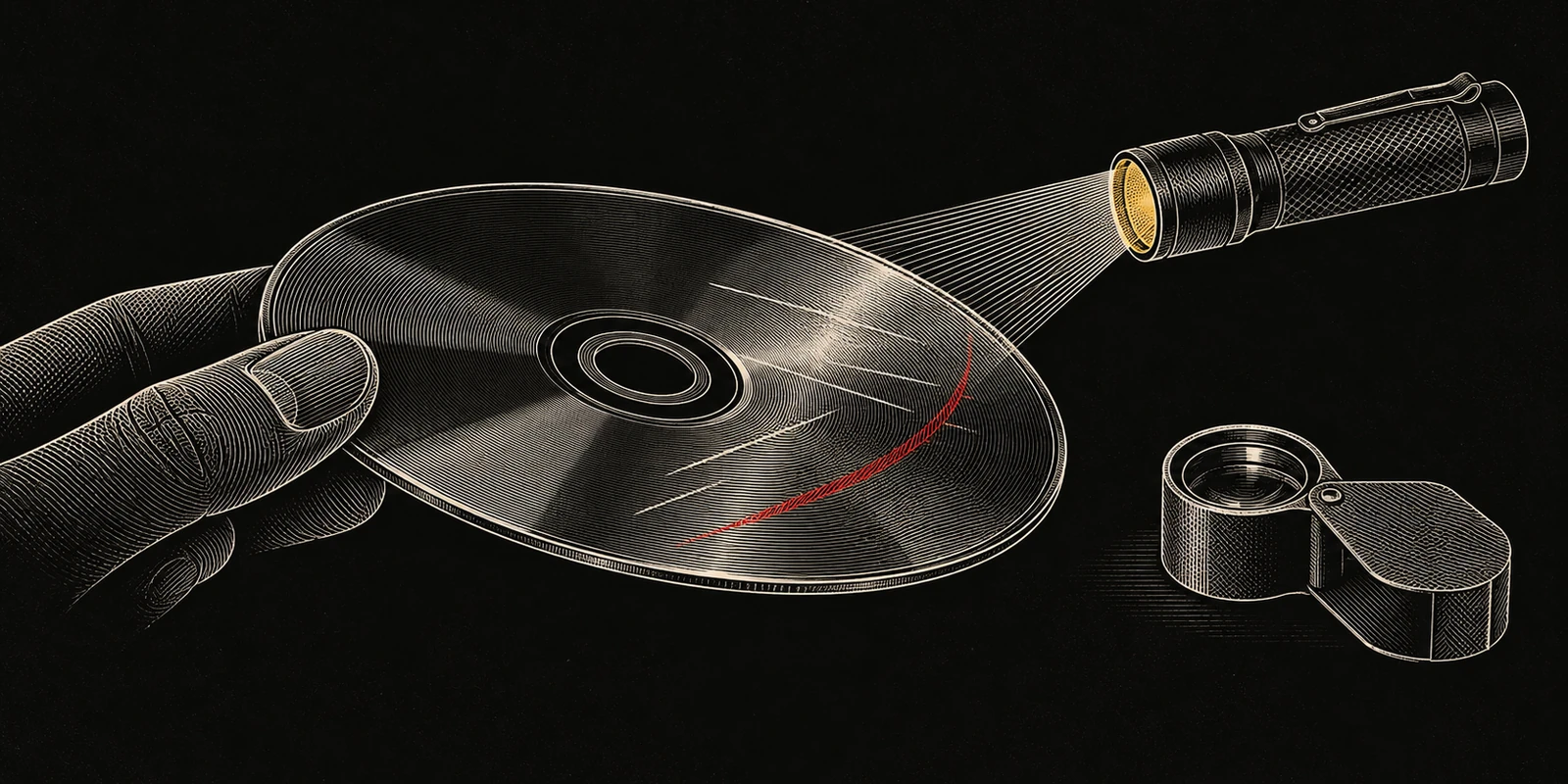
Look at the shiny playing side under one bright light. Smudges wipe off. A scratch that catches your fingernail doesn't. Our guide to checking a used disc shows what to look for.
Sony's cleaning advice is short: a soft, clean, lint-free cloth made for Blu-ray or DVD discs, wiping from the centre towards the edge. What not to do:
- Don't wipe in circles, or use tissue or a T-shirt. A circular wipe drags grit along the path the laser reads.
- Don't polish, resurface or put a sticker on it. Sony's repair tool lists repaired discs, and discs with stickers or paper labels, among those you shouldn't put in a PS5 at all.
- Don't scrub off the store's stamp. GameLoot and GameNation both mark their used discs and refuse a return if the stamp has been tampered with.
Check how it goes in, too. With the PS5 standing up on its stand, Sony says the printed label should face left.
Restart it properly, update it, check parental controls
- Turn it fully off. Rest mode isn't a restart. Sony's repair tool says to hold the power button on the front to turn it off, wait 10 seconds, then switch it on again.
- Update the system software. It's the first thing Sony's repair tool asks for, whatever the problem: Settings, System, System Software, System Software Update and Settings. Sony says some applications and content won't work until the console is updated.
- Check parental controls. Before Sony's tool calls anything a fault, it asks you to make sure parental controls are switched off.
If the disc throws an error code, here's what Sony says for each:
| Error code | What the PS5 says | Sony's suggested fix |
|---|---|---|
| CE-110551-3 | Failed to read the disc | Restart, clean the disc, check it's a disc a PS5 can play, try another disc |
| CE-110538-8 | Failed to read Blu-ray disc | Clean it, check how it's inserted, try another. Sony says the console's disc reading may be at fault |
| CE-100005-6 | The game can't load | Delete the game, clean the disc and put it back in to reinstall |
Safe Mode: Clear Cache and Rebuild Database
It's on Sony's own list for a disc the PS5 won't read, right after cleaning it and trying another. To start Safe Mode, turn the PS5 off by holding the power button for three seconds. Then press and hold it again and let go after the second beep, about seven seconds after the first. Connect the controller with its USB cable and press the PS button.
| Safe Mode option | What Sony says it does |
|---|---|
| Restart PS5 | Leaves Safe Mode and starts normally |
| Update System Software | Updates by download or from a USB drive |
| Clear Cache and Rebuild Database | Clears the system cache, or scans storage and builds a new database of everything on it |
| Repair Console Storage | For start-up or storage problems. Sony says it doesn't erase data |
| Restore Default Settings | Factory settings, but keeps games, saves and captures |
| Reset PS5 | Deletes all user data |
| Reset PS5 (Reinstall System Software) | Deletes all user data and the system software |
Run Clear Cache and Rebuild Database first. Sony doesn't list it among the options that delete anything. If it doesn't help, Sony's page goes on to Reset PS5 (Reinstall System Software), which wipes the console. For one used disc, when every other disc plays, I wouldn't. A reset won't fix a faulty disc.
A disc that won't come out
Sony's repair tool starts with a full restart and a check that nothing blocks the slot. If it's still stuck, Sony's stuck disc page has a manual eject. You need a #1 Phillips screwdriver:
- Hold the power button for three seconds to turn it off, unplug everything, lay it on a soft cloth and remove the base.
- With the base's screw hole facing you, the PS logo down and the disc slot on your left, pull the cover gently up and towards you.
- Find the screw under a circle of black film on the drive (newer consoles may not have the film) and turn it clockwise until the disc is almost fully out.
- Ease the disc out without forcing it, slide the cover back until it clicks, and reconnect.
Sony says not to switch the PS5 on with the cover off.
What about the PS5 Slim?
The slim's drive is the detachable one, and Sony shows how to lift it off from under the console. But I couldn't find a Sony manual eject for a disc stuck in the slim, and its repair tool shows only the screw method above. I wouldn't open the slim's drive. Go to Sony support instead.
When it's the console: Sony India's warranty and repairs
If no disc reads after all of this, or a disc is stuck for good, it's Sony's problem, not the store's.
- Start with PlayStation Repairs. Sony's repair tool at playstation.com/repairs walks you through the checks above. In India, its Request Repair button leads to PlayStation's contact page, where the hardware line is 080 6500 6500, open 9:00 to 19:30, Monday to Sunday.
- One year from purchase. Sony's guarantee for PS5s sold in India covers faults in materials or workmanship for a year, by repair or replacement.
- Keep the invoice. A claim needs the original receipt or invoice showing the purchase date and the retailer's name. The guarantee is given to the console's first user, so a second-hand PS5 may not be covered.
- Back up first. Sony says a repair involves reformatting the SSD.
- Don't take it apart. Sony can refuse a claim if the serial number is damaged or the casing was opened beyond what its manual allows.
Sony's guarantee doesn't cover games. A faulty used disc goes back to the store that sold it.
Returning a faulty used disc: every store's window
On 26 October 2026, the typical PS5 disc in stock at the online stores we track cost ₹2,299 at its cheapest. Miss the window and that's roughly what you lose. Here's what each store's own pages say:
| Store | Report a faulty disc within | What else its pages say |
|---|---|---|
| GameLoot | One working day of delivery | Refunds damaged or faulty items. Return postage isn't refunded. The "GL" stamp on the disc must be untouched |
| Dacby | 24 hours (product page) or 2 days (refund page) | Lists discs among products without warranty |
| GameNation | 7 days (FAQ on its product pages) | Replacement first, refund only if it has no copy. Its logo stamp must be untouched. A disc it finds working comes back at your cost |
| Console Garage | 24 hours, to be safe | Its refund policy says 5 days but defective items within 72 hours. Its terms say 7 days but dead items within 24 hours. Email with photos |
- GameLoot's terms give one working day to report a damaged or wrong item and no separate window for a faulty one. Treat that as the deadline.
- GameNation's product pages show a 30-day warranty badge, while the FAQ on the same page says 7 days for pre-owned games. I'd work to the 7.
- Console Garage contradicts itself most. Report on the day it arrives and you're inside every version of its policy.
More on each store's record with buyers in is GameLoot legit, is Dacby legit, is GameNation legit and is Console Garage legit.
What to keep, and what to say
- An unboxing video, from the sealed parcel to the disc going into the console.
- Photos of the disc's playing side under good light, and of the store's stamp.
- A short phone video of the problem: this disc failing with the error on screen, then a different disc loading on the same PS5.
Then write to the store the same day. GameLoot's terms give support@gameloot.in, GameNation's FAQ gives support@gamenation.in and Console Garage's policy gives support@consolegarage.com. For Dacby, use the contact route on its site or app.
My take
Test with a second disc before anything else. It takes a minute, it tells you who's responsible, and it's the first thing Sony's own repair tool asks.
If other discs play, clean the problem disc once, restart, rebuild the database, and if it still fails, report it that day with a video. Don't polish it, and don't reset your console for one disc.
If nothing reads, stop troubleshooting and call Sony while you're inside the year.
Questions people ask
Why is my PS5 not reading discs?
Sony's checklist starts with the disc: dirt, fingerprints, scratches, or the disc going in the wrong way. Then a restart, a system update, and Clear Cache and Rebuild Database in Safe Mode. If no disc reads after that, the drive may be faulty.
How do I clean a PS5 disc?
Sony says to use a soft, lint-free cloth made for Blu-ray or DVD discs and wipe from the centre towards the edge. Don't wipe in circles, and don't polish or resurface it, because Sony says repaired discs shouldn't go in a PS5.
Can I return a used PS5 disc that won't read?
Yes, if you report it in time. GameLoot gives one working day from delivery, Dacby 24 hours or 2 days depending on the page, GameNation 7 days, and Console Garage as little as 24 hours. GameLoot and GameNation also need their stamp on the disc to be intact.
How do I get a stuck disc out of my PS5?
Restart it and check nothing is blocking the slot. If it's still stuck, Sony's support page shows a manual eject: take the cover off and turn a screw on the drive clockwise with a #1 Phillips screwdriver. For a PS5 Slim, I couldn't find a Sony method, so contact Sony support.
Does Sony's warranty cover a game disc?
No. Sony's PS5 guarantee covers the console and the official accessories in its box, not games. A faulty disc goes back to the store that sold it.
How do I contact Sony for a PS5 repair in India?
Start with PlayStation Repairs at playstation.com/repairs. Its Request Repair button sends you to PlayStation's contact page, where the hardware line is 080 6500 6500, open 9:00 to 19:30 every day. Keep your invoice ready.
Summing up
- Second disc first. If other discs play, it's this disc, and it goes back to the store.
- Free fixes, in order: clean centre-out, full restart, system update, parental controls, then Clear Cache and Rebuild Database.
- Skip the full reset for a single bad disc. It deletes everything and won't fix the disc.
- Report it fast, with an unboxing video and a clip of the failure. GameLoot's window is one working day.
- Nothing reads? That's Sony's one-year guarantee, with your invoice.
Playing your old PS4 discs on the same console? Read PS4 games on PS5 first.